Sample Squad Sound Station™ began as a straightforward desktop media player, but it has grown into something far more ambitious: an integrated environment for exploring, organizing, editing, and transforming sound.
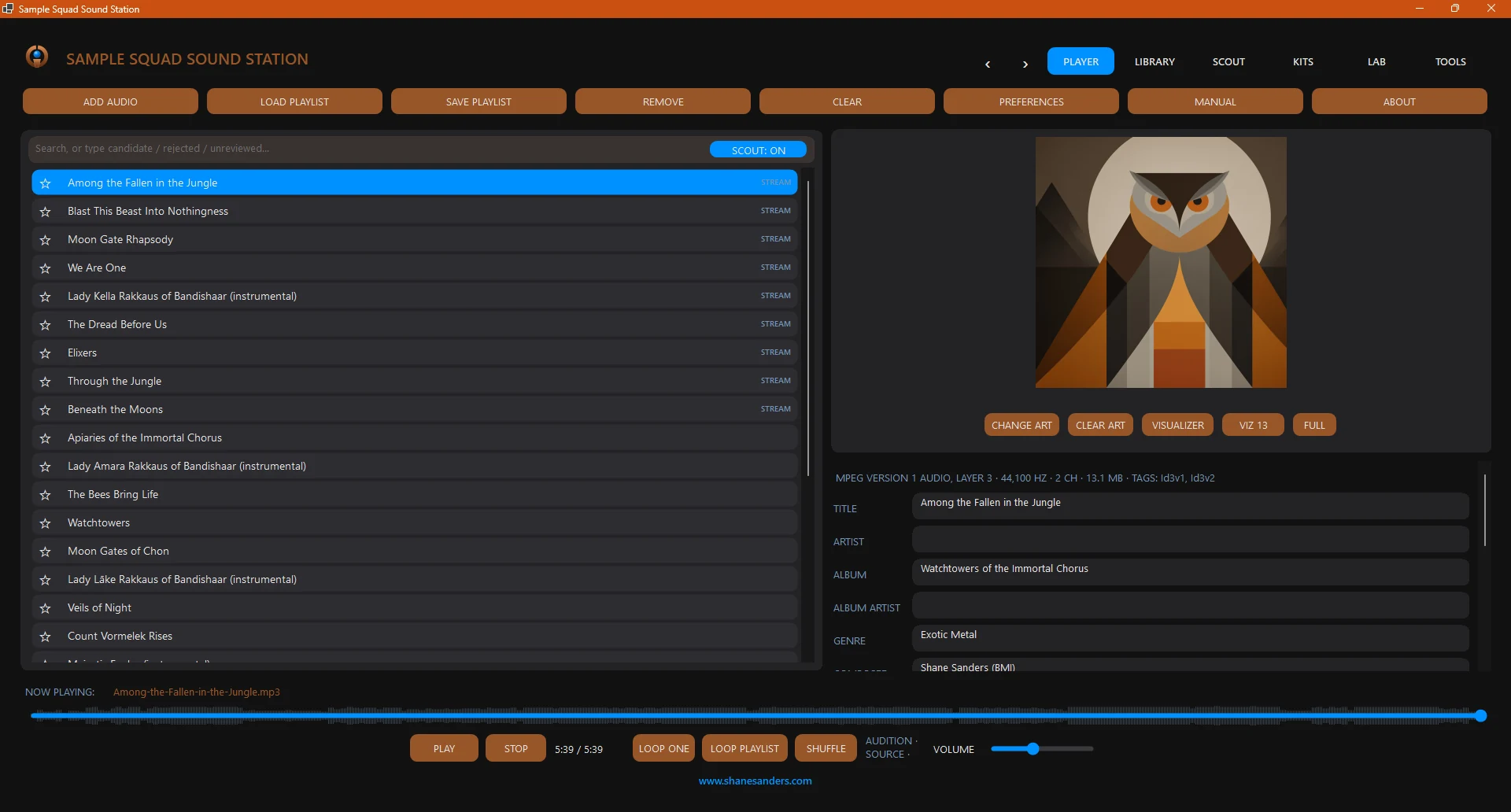
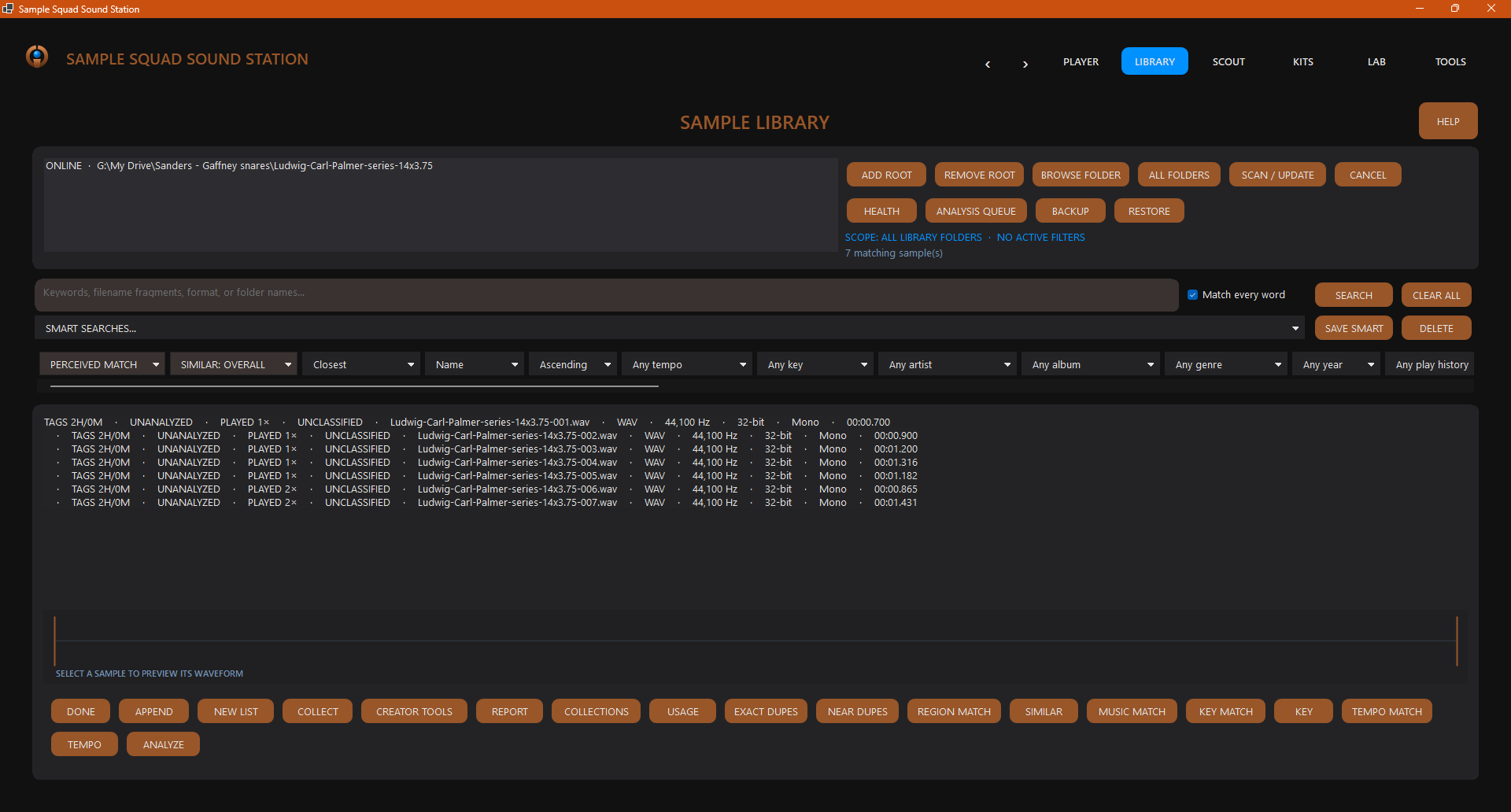
The application currently combines multi-format audio playback, playlist management, metadata editing, responsive geometric visualizations, a searchable sample library, rapid sample auditioning, and a four-bank, 64-pad kit-building workspace. Producers can examine waveforms, detect transients, create slices, refine start and end points, adjust fades and gain, establish choke groups, map MIDI controllers, and bundle finished kits for use in Sample Squad™’s SpaceAge™ microDAW.
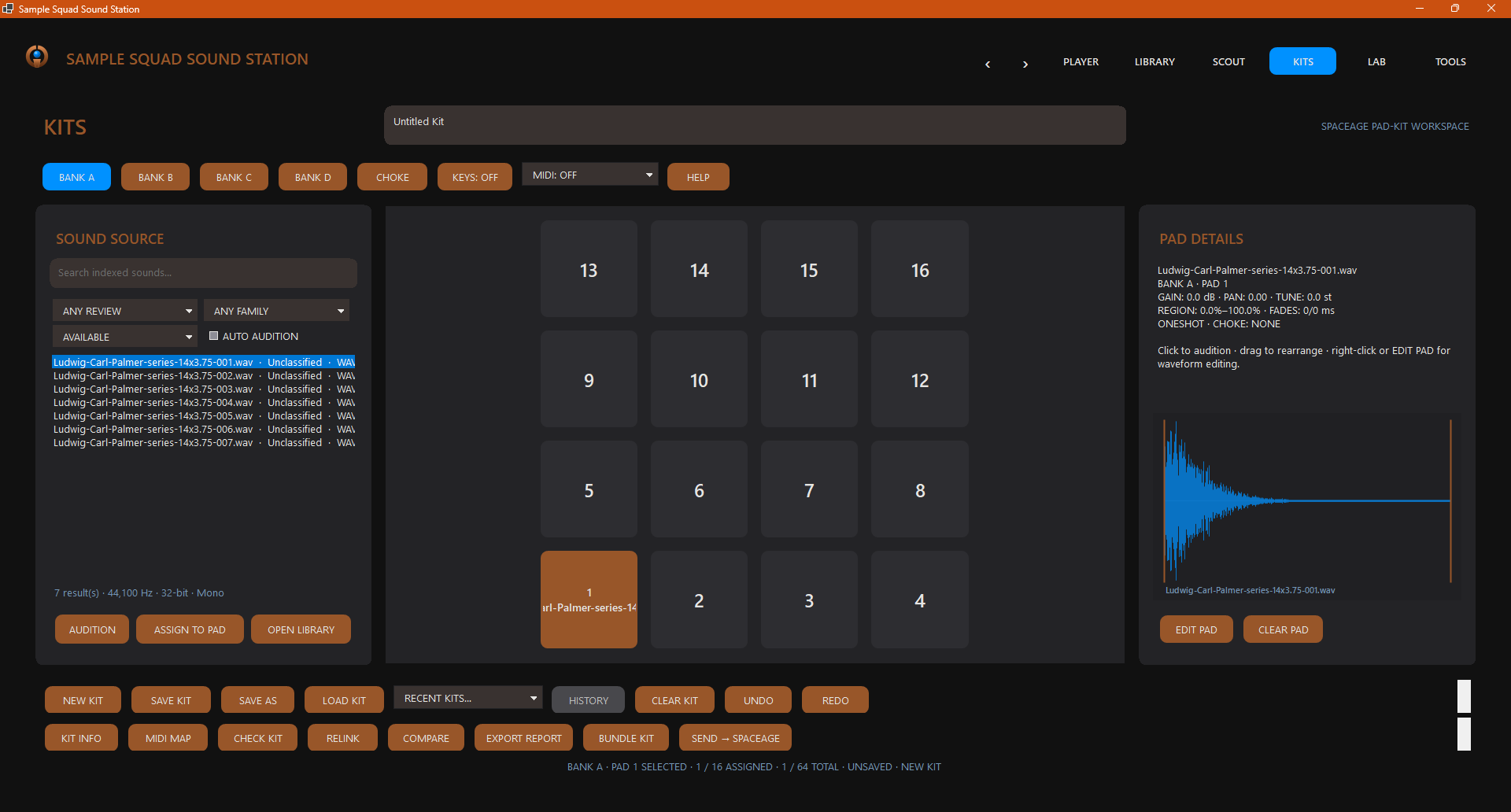
The handoff matters most for SpaceAge’s Drum Composer, the step-based drum sequencer on its Sequencers page. The Drum Composer works directly on SpaceAge’s Pads: 64 velocity-sensitive pads in four banks of sixteen, numbered from the bottom left. Patterns run up to 64 steps across paged step banks, with per-step velocity, probability, ratchets, and accents, plus pitch and filter locks. Sound Station’s Kits workspace deliberately mirrors that shape, with the same four banks, the same sixteen pads per bank, and the same numbering, so a kit assembled there can be sent straight into SpaceAge as a ready-made set of pads, with no round trip through folders of loose files. Once the kit is in, the Drum Composer can start sequencing it right away, and the finished patterns go into the Arranger as drum clips beside the rest of the song.
Development has recently focused on playback fidelity, responsive sample auditioning, low-CPU performance, precise transient handling, and reorganizing the interface into clear Player, Library, Scout, Kits, Lab, and Tools workspaces. The Lab also establishes the foundation for future preset comparison and sound-design tools.
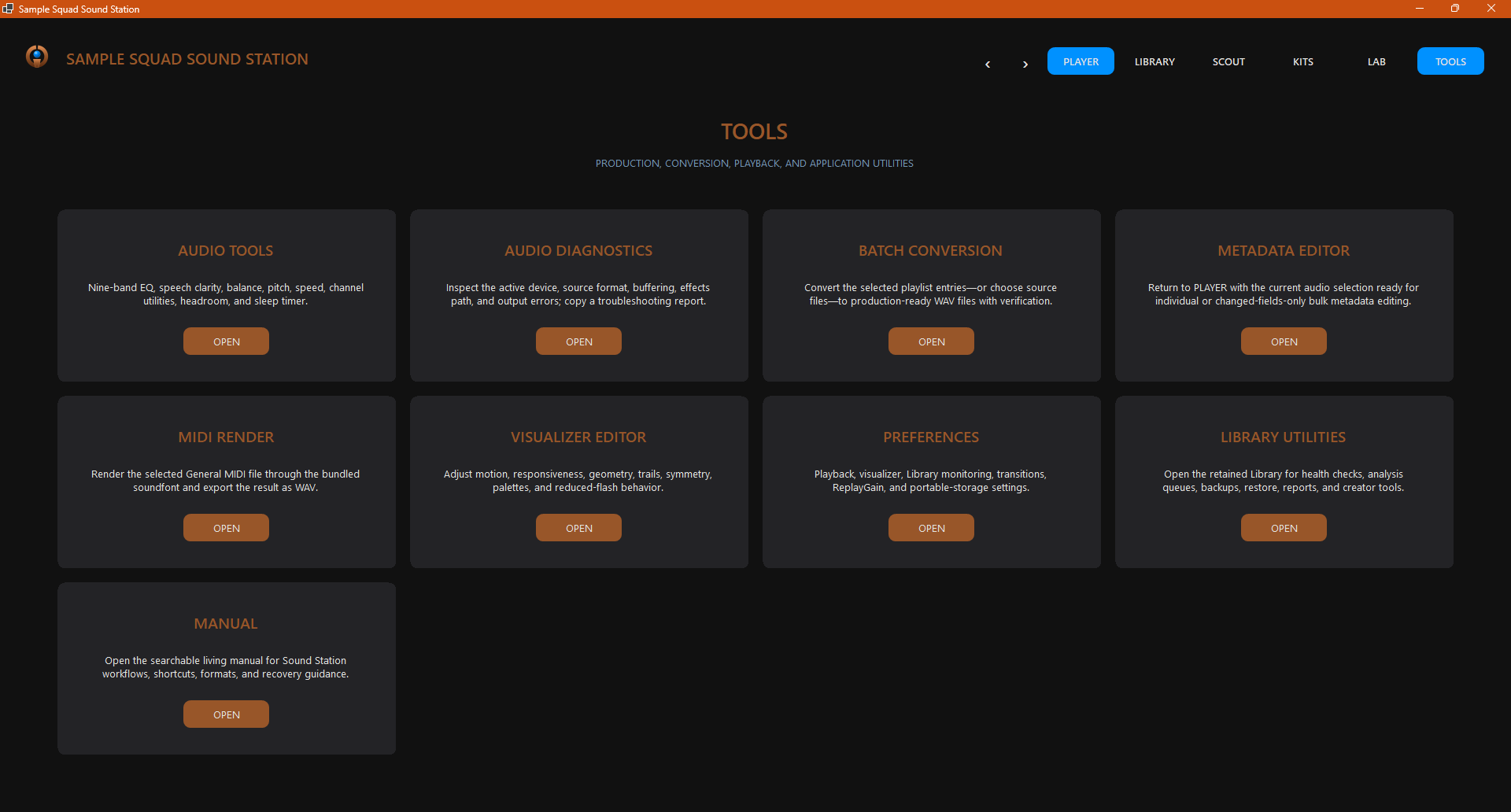
The Sound Station is still under active development, but its identity is now clear. It is becoming a creative sound-management system: one place to catalog a large personal library, find the right sound quickly, shape it without destructive editing, track how it is used, assemble production-ready kits, and move those creations into the wider Sample Squad ecosystem.
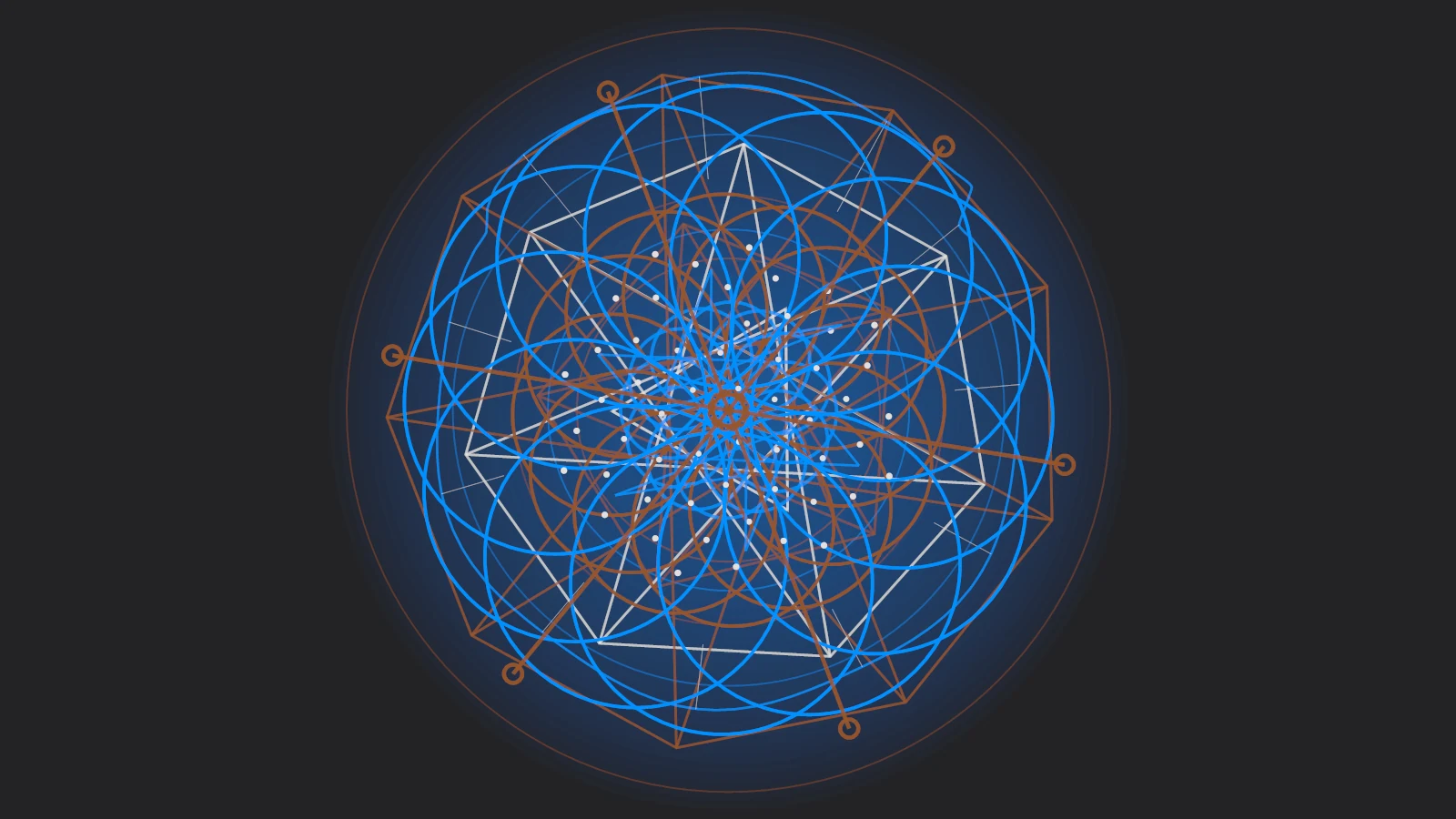
Then there are the visualizers, which exist purely for fun. They are a nod to the WinAmp days, when a music player doubled as a light show, with one deliberate constraint: everything stays geometric. Circles, triangles, hexagons, octagons, orbital systems, and Fibonacci spirals turn bass, midrange, and treble energy into slowly unfolding patterns, all influenced by sacred geometry and drawn in the blue and rust-orange palette of SpaceAge.
More than twenty presets ship with the app, and the Visualizer Editor lets you tune motion, responsiveness, scale, trails, and symmetry, or borrow colors from the album art when you want a change. Go fullscreen, page through the presets with the arrow keys, or let the app pick a new one for each track. A reduced-flash mode keeps the show comfortable for sensitive eyes, and the image at the top of this post is a single frame from one of the many available algorithms.